![AccelPay Logo.svg]](https://try.accelpay.io/hubfs/AccelPay%20Logo.svg)
We recommend checking out the "Depletion" tab in the AccelPay Portal to see what's been sold from each of the retailers servicing your products for AccelPay. To get there login to the AccelPay Portal and then click on the Depletion tab on the left hand side. 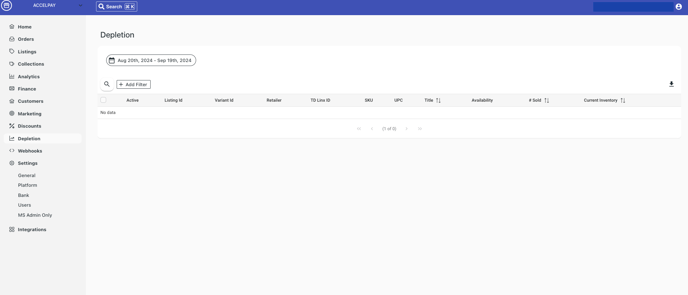
The data shown will automatically filter to the last 30 days but you can reset this to whatever timeframe you'd like.
The "# Sold" per retailer is updated in real-time.
The "Current Inventory" per retailer is less reliable, but rest assured: we have a dedicated person on our team for inventory management. It's their job to talk with retailers every day and keep inventory as up to date as possible.
We're building out automated inventory with our retailers, but it's not completed yet. We'll let you know when this is ready for prime time! Some of our retailers already have their inventory systems automatically synced with us. You will know if your retailers are one of these by the blue lightening bolt  next to their name under the retailer column. If they have a lightening bolt = inventory is automatically synced.