![AccelPay Logo.svg]](https://try.accelpay.io/hubfs/AccelPay%20Logo.svg)
If you are using the AccelPay Native Cart, this has automatically been set up for you.
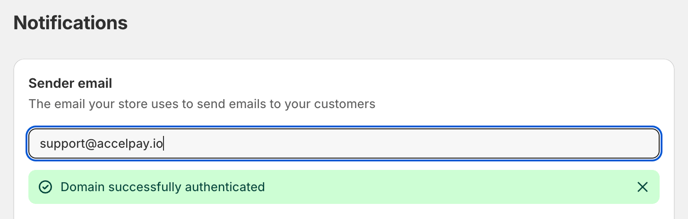
- Within Settings in Shopify, navigate to "Notifications"
- Here you can enter support@accelpay.io or your customized AccelPay-Customer-Support email address.
- Trigger the verification email
- Once you have sent the verification email, please send support@accelpay.io an email letting them know that you need the domain verified right away, without notifying support@accelpay.io, the domain will not be verified.