![AccelPay Logo.svg]](https://try.accelpay.io/hubfs/AccelPay%20Logo.svg)
This is for those using our AccelPay Cart only. If you are using the AccelPay-Shopify-integration, this does not apply to you and you can find information on how to edit your confirmation emails in Shopify in the Shopify Help Center here.
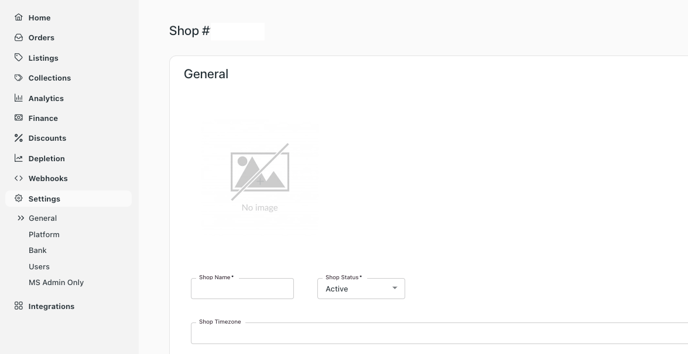
To change the Logo within the AccelPay Portal, go to Settings > General and it will bring you to the Shop details page.
Upload your Logo in the provided image area.